성경 66권, 언제 어디서나 무료로 읽습니다
휴대폰과 컴퓨터에서 성경 66권 전체를 영어 성경(KJV)과 우리말 풀이로 읽습니다. 가입만 하면 언제나 무료입니다.
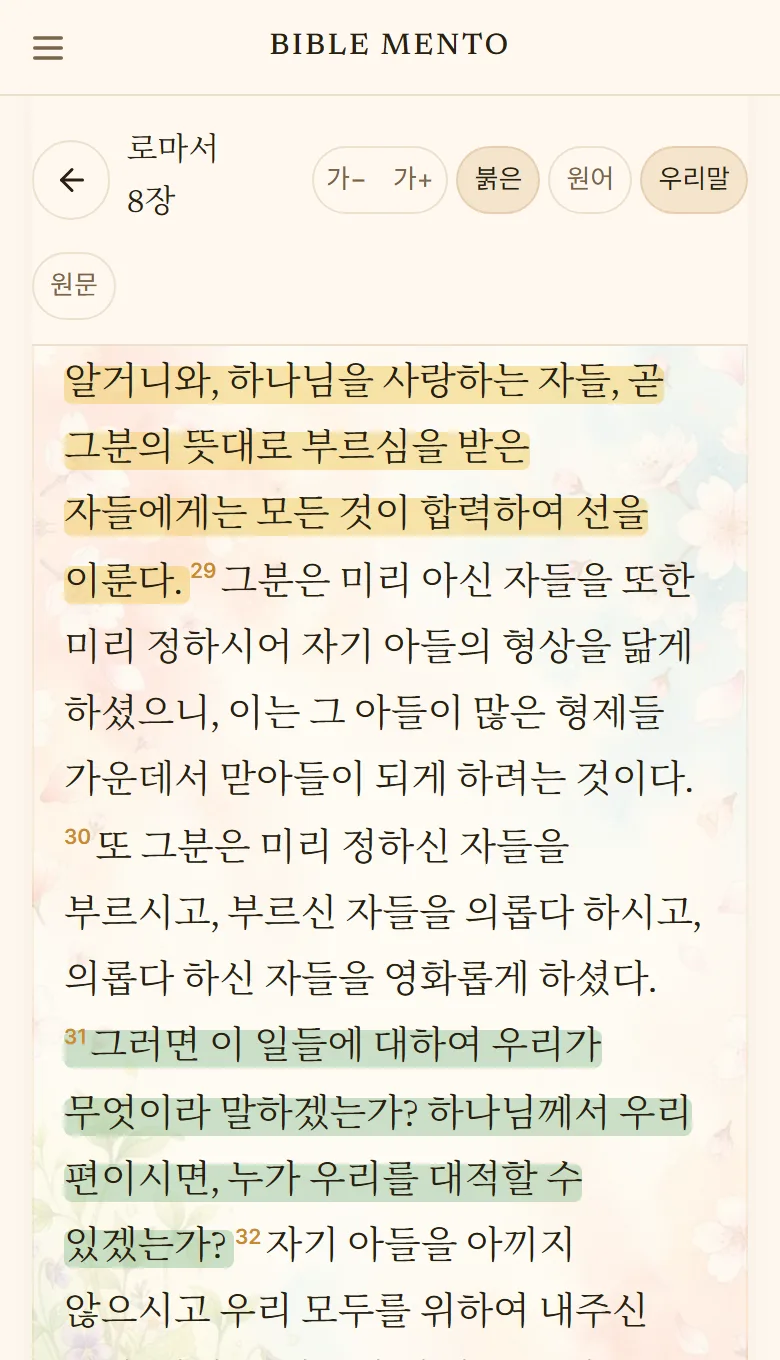
전자책처럼 편하게
목차에서 책과 장을 바로 펼치고, 다음에 열면 읽던 장에서 이어 읽습니다.
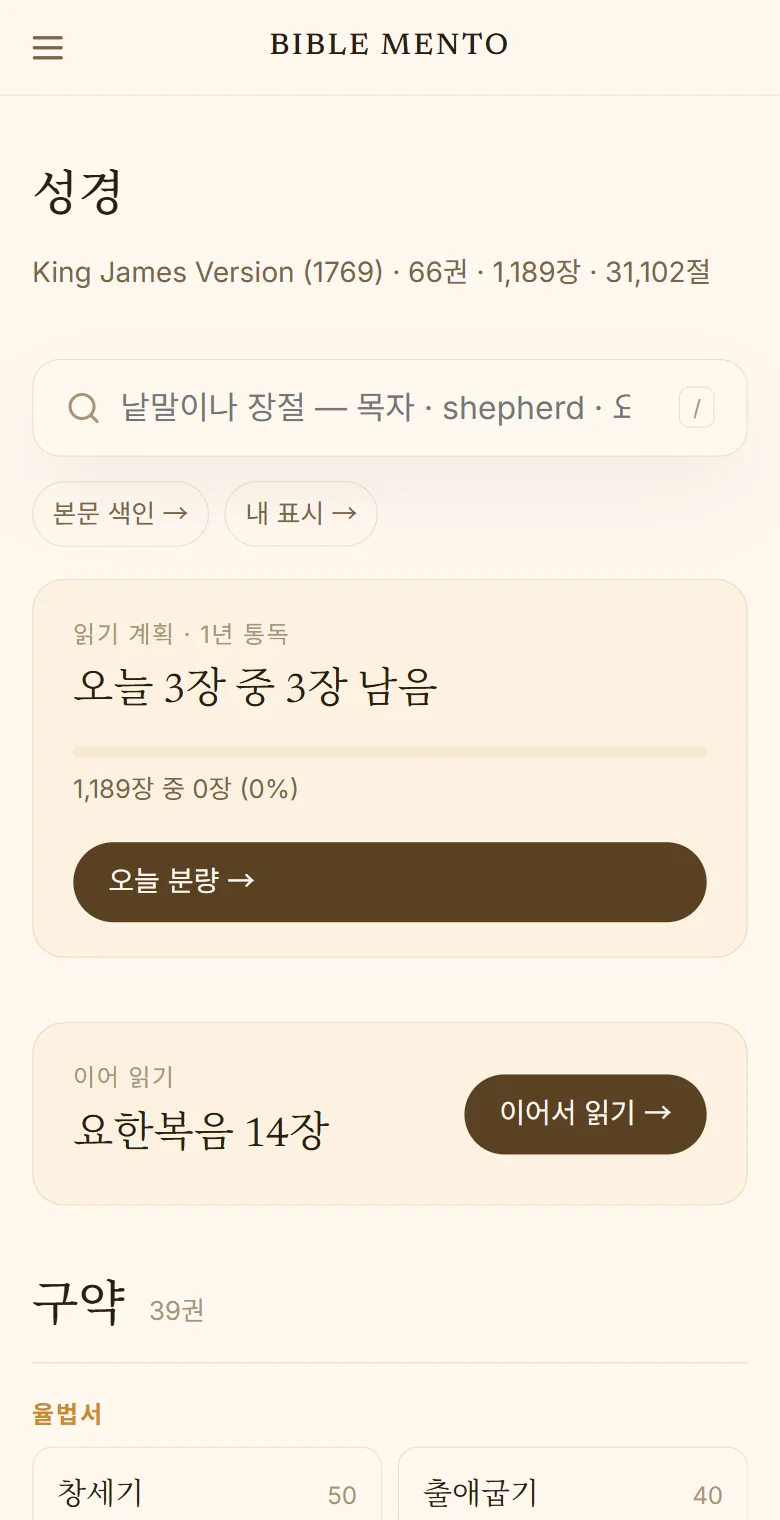
- 글자 크기 5단계
- 어두운 화면
- 휴대폰은 옆으로 밀어서, 컴퓨터는 ← → 키로 장 넘기기
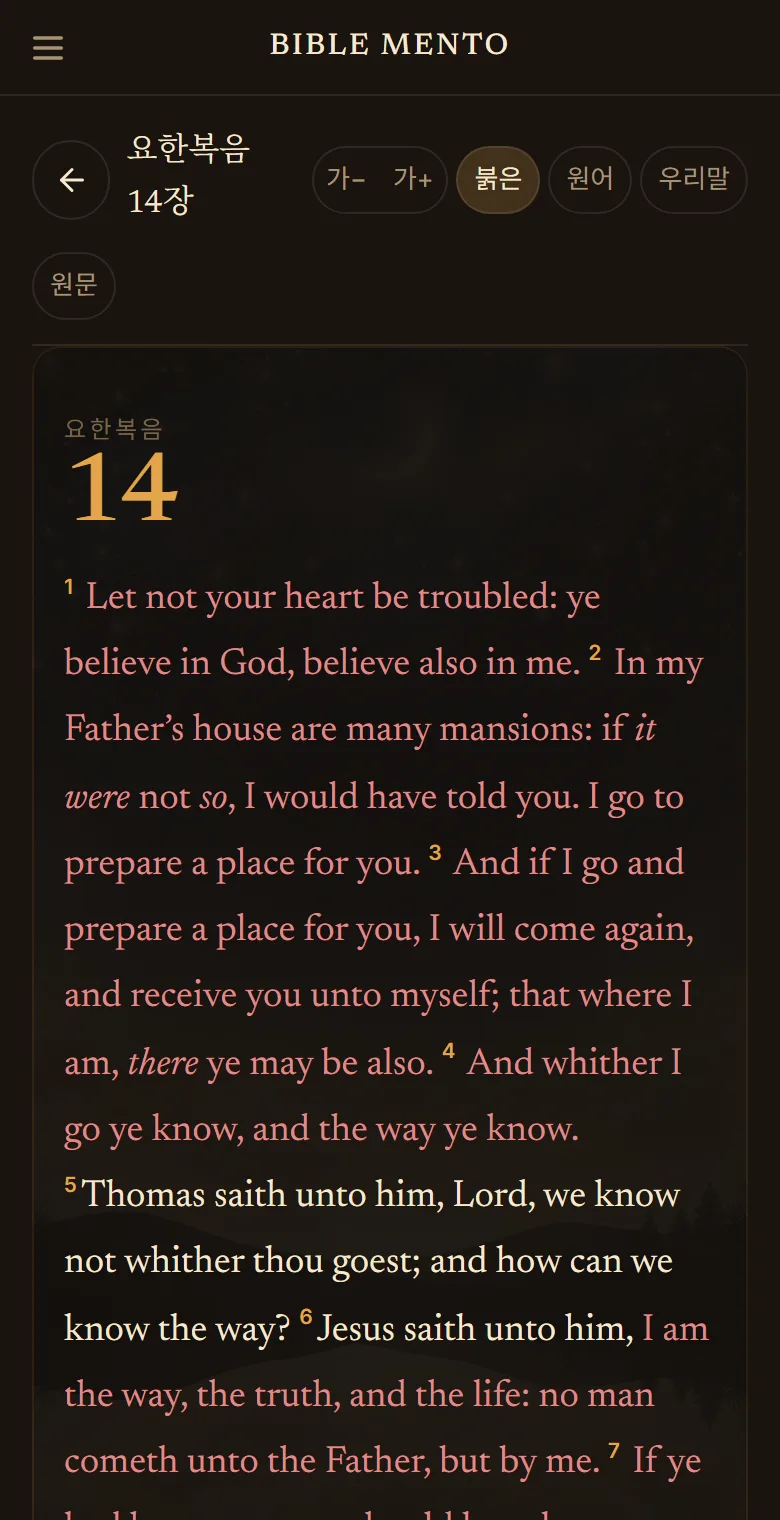
- 붉은 글씨(예수님의 말씀) 켜고 끄기
영어 성경을 우리말로
«우리말»을 누르면 KJV가 오늘의 우리말로 풀어 옮긴 글로 바뀝니다. 절 번호가 같아서, 궁금한 절은 «우리말»을 끄고 영어 원문에서 바로 확인할 수 있습니다.
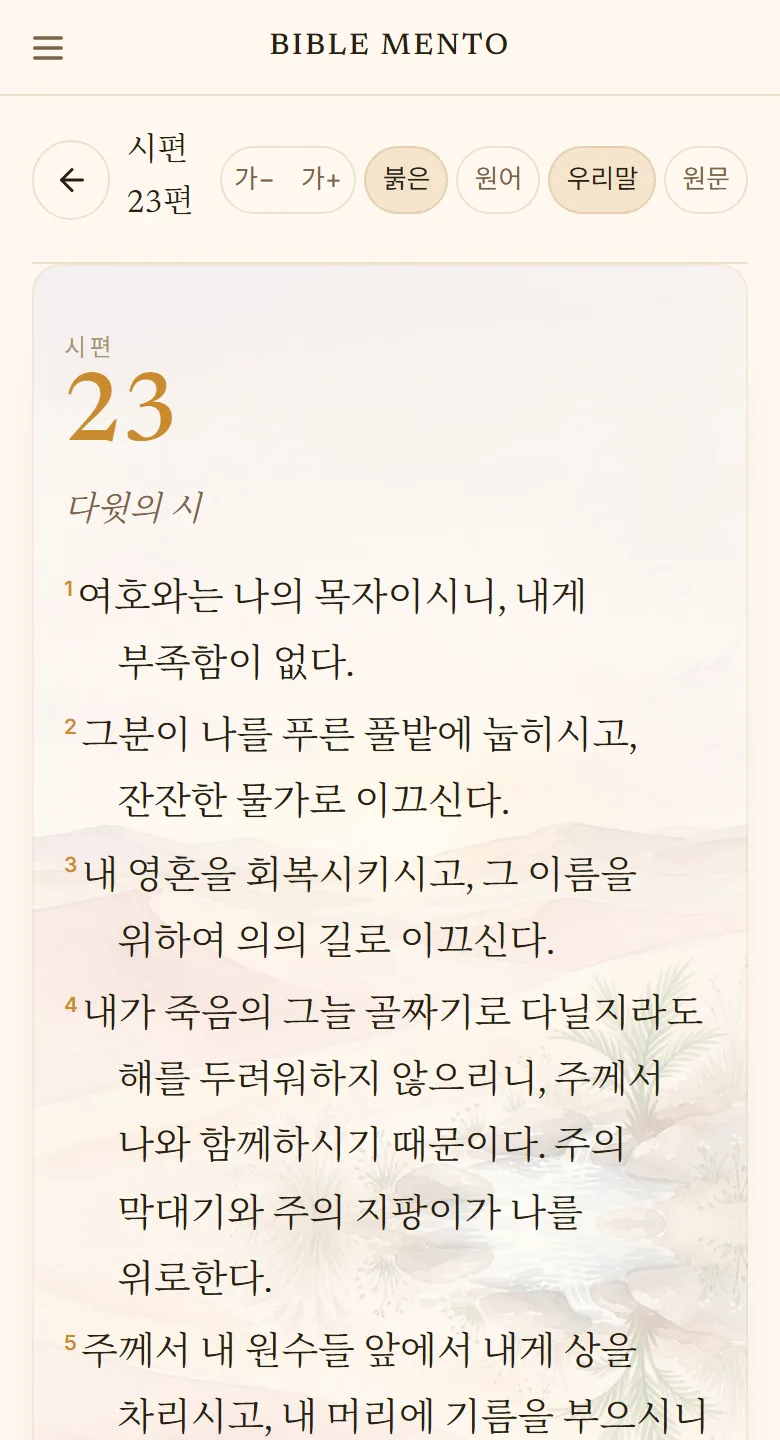
KJV 우리말 풀이는 AI의 도움을 받아 옮긴 참고용 글이며, 성경 번역본을 대신하지 않습니다.
장절·낱말·본문 이름으로 찾기
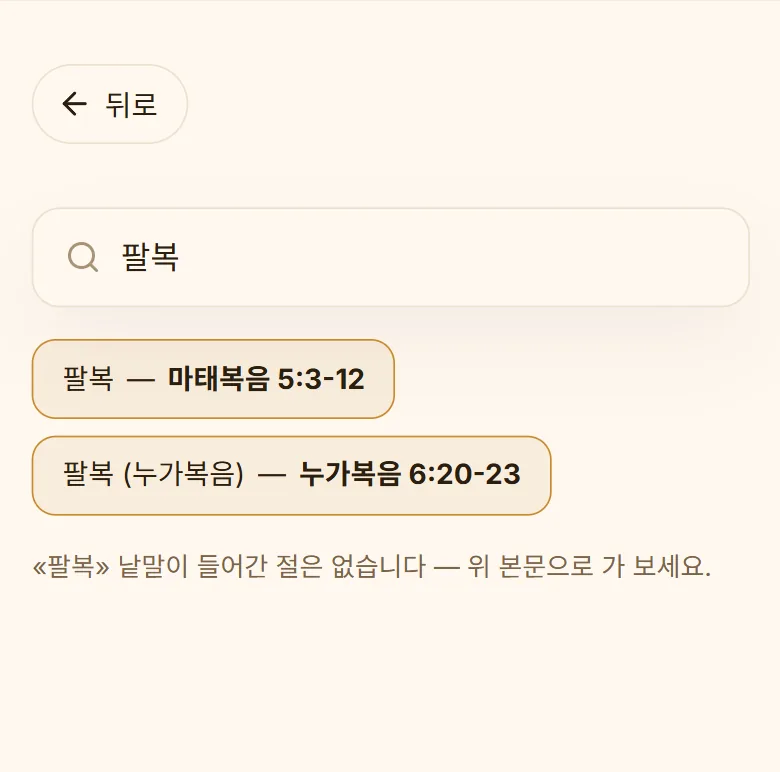
«요 3:16»·«시편 23편»처럼 장절을 넣으면 그 자리로 바로 갑니다. «팔복»·«탕자의 비유» 같은 본문 이름으로도 찾을 수 있고, 낱말을 넣으면 그 낱말이 나오는 절을 책별로 모아 보여 드립니다. 한글 낱말은 우리말 풀이에서 찾습니다.
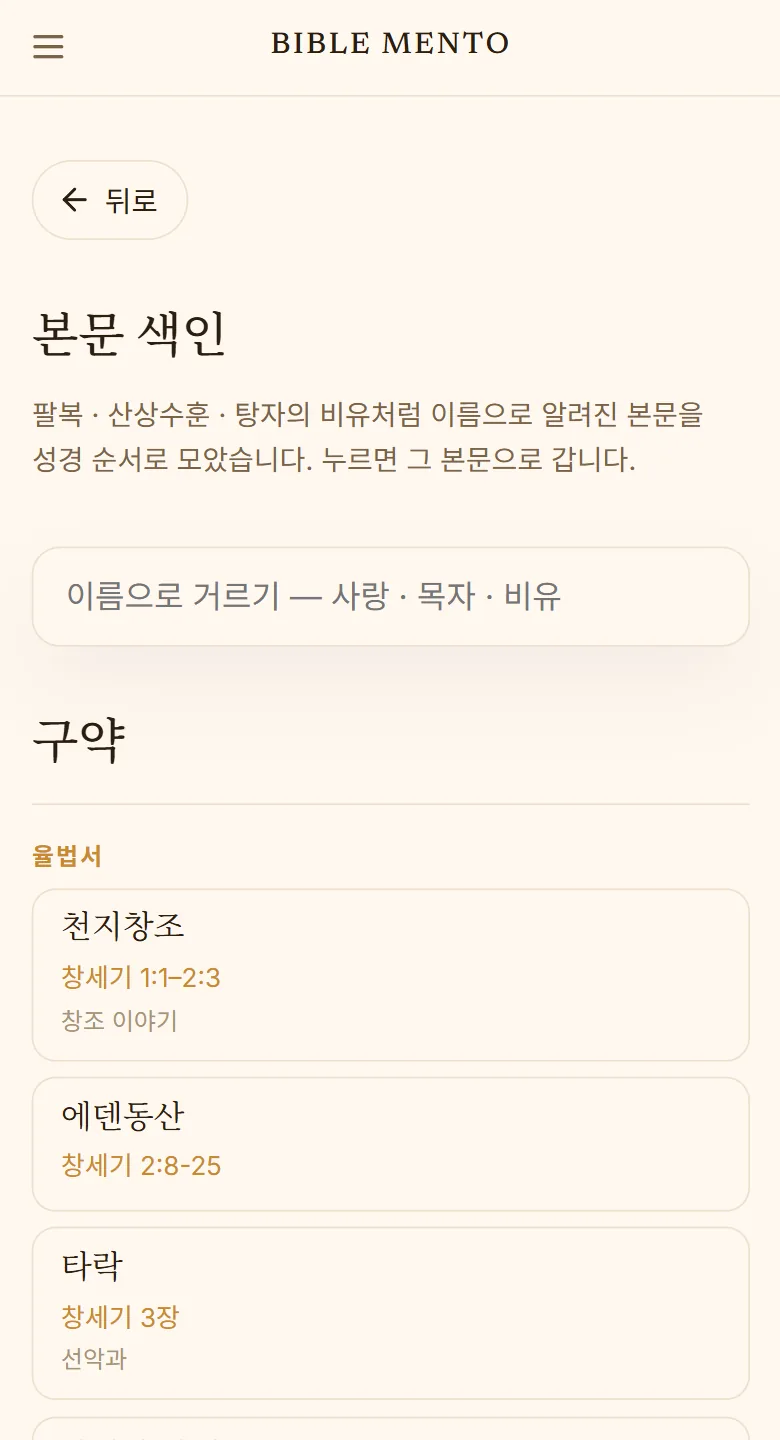
«본문 색인»에서는 이름난 본문을 성경 순서대로 둘러보고, 눌러서 바로 펼칩니다.
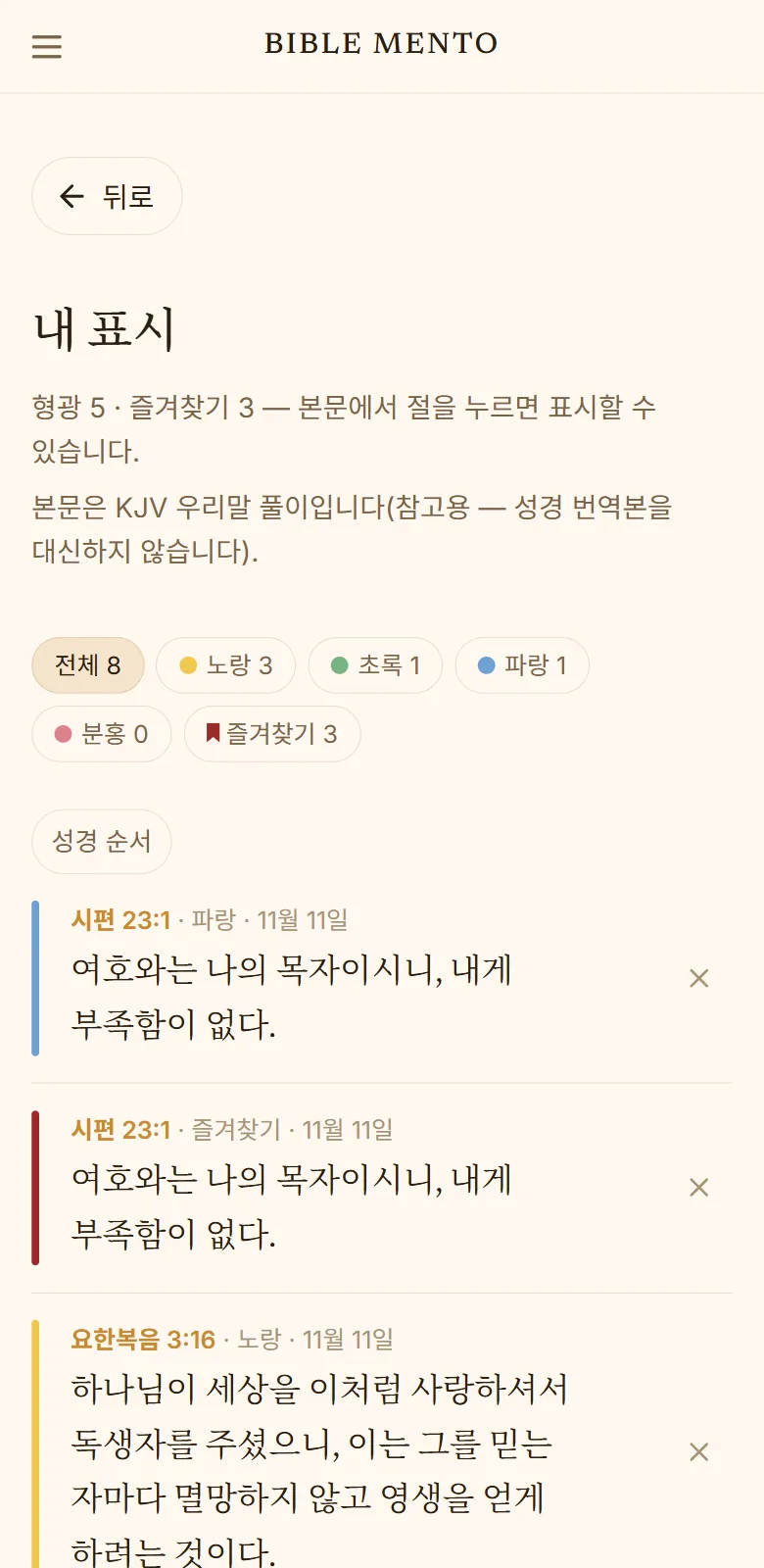
표시하고, 모아 보고, 나누기
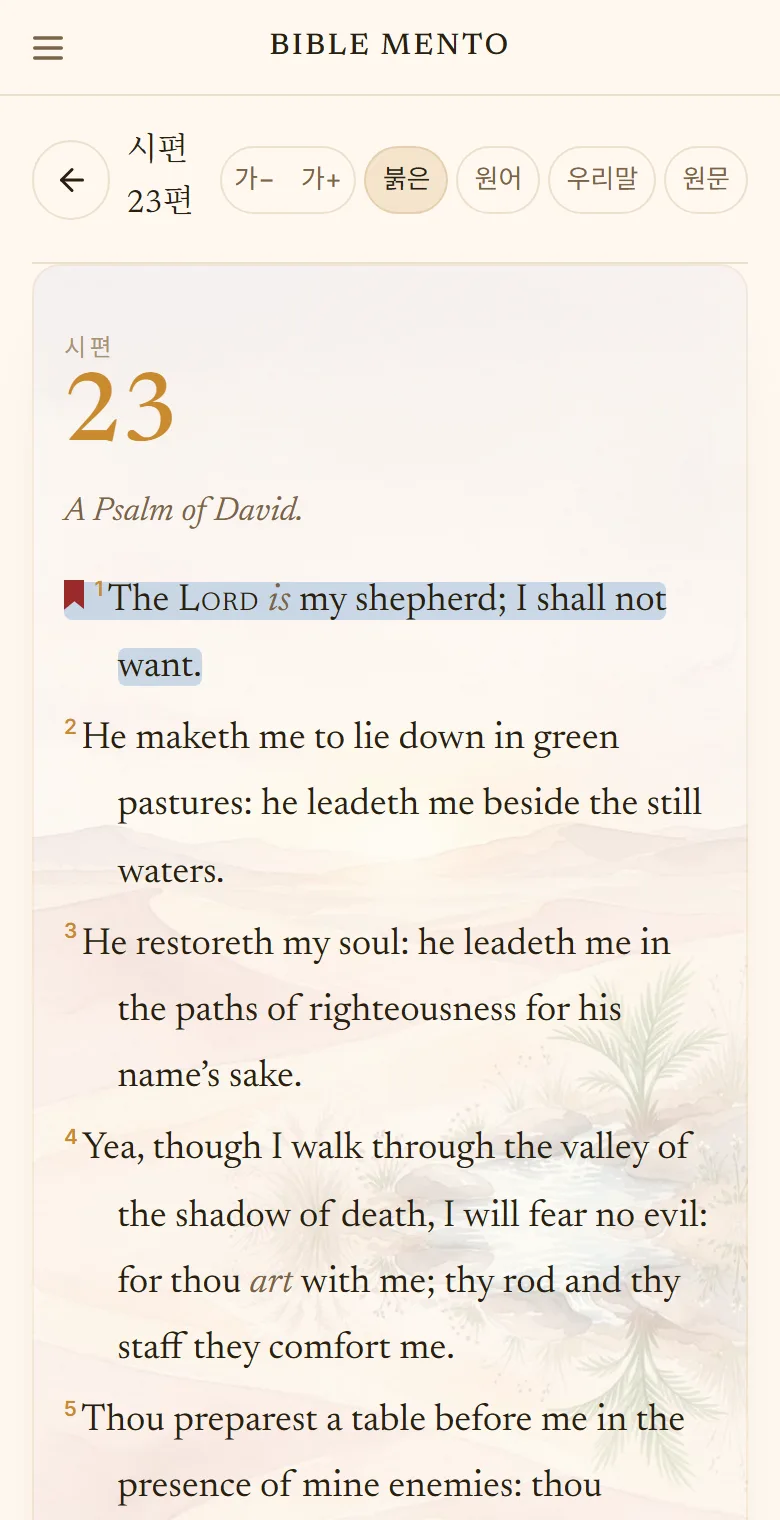
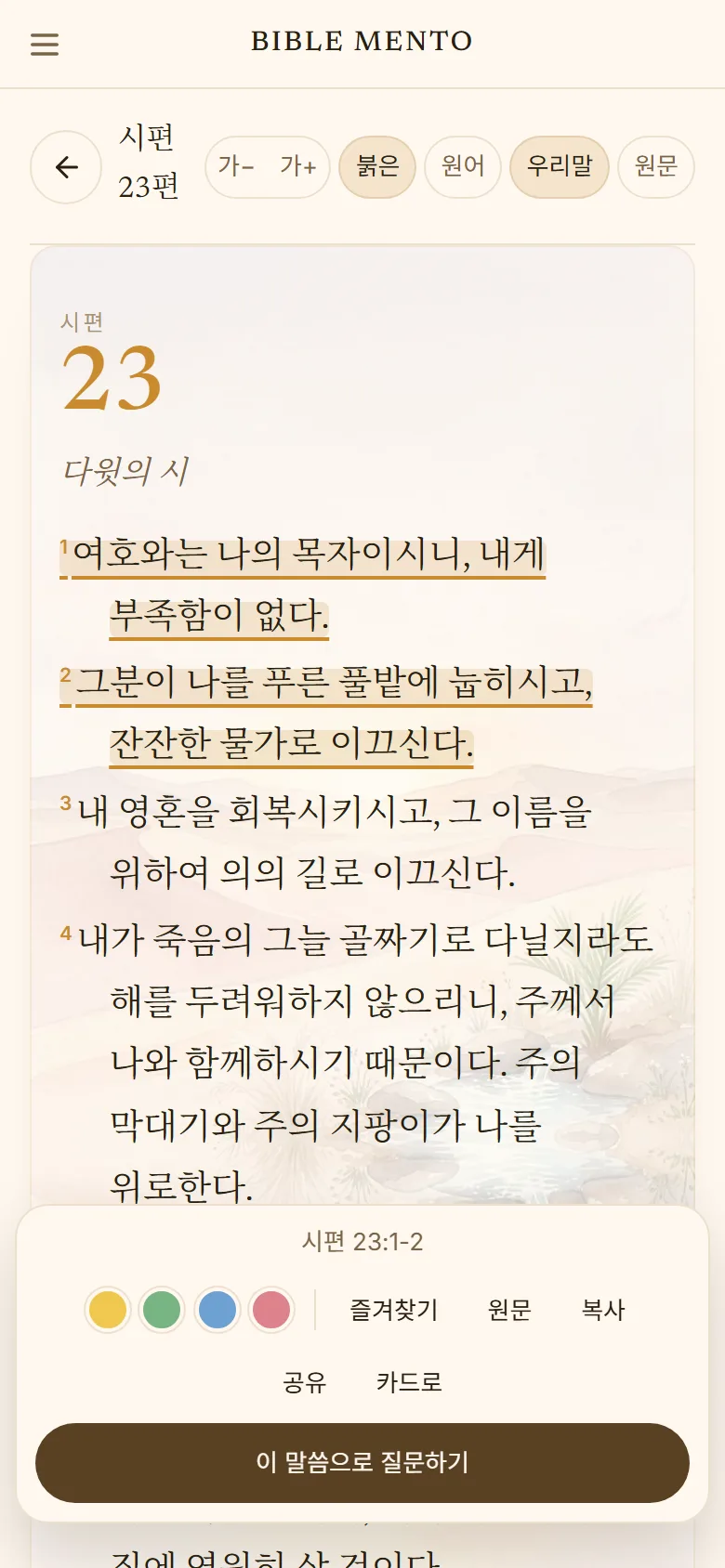
절을 누르면 형광 4색과 즐겨찾기로 표시하고, 이어 누르면 여러 절을 한 번에 표시합니다. 표시한 구절은 «내 표시»에서 색과 즐겨찾기별로 모아 봅니다.
복사하거나 나눌 때는 장절이 함께 붙습니다. 마음에 남는 구절은 «이 말씀으로 질문하기»로 바로 물어볼 수도 있습니다.
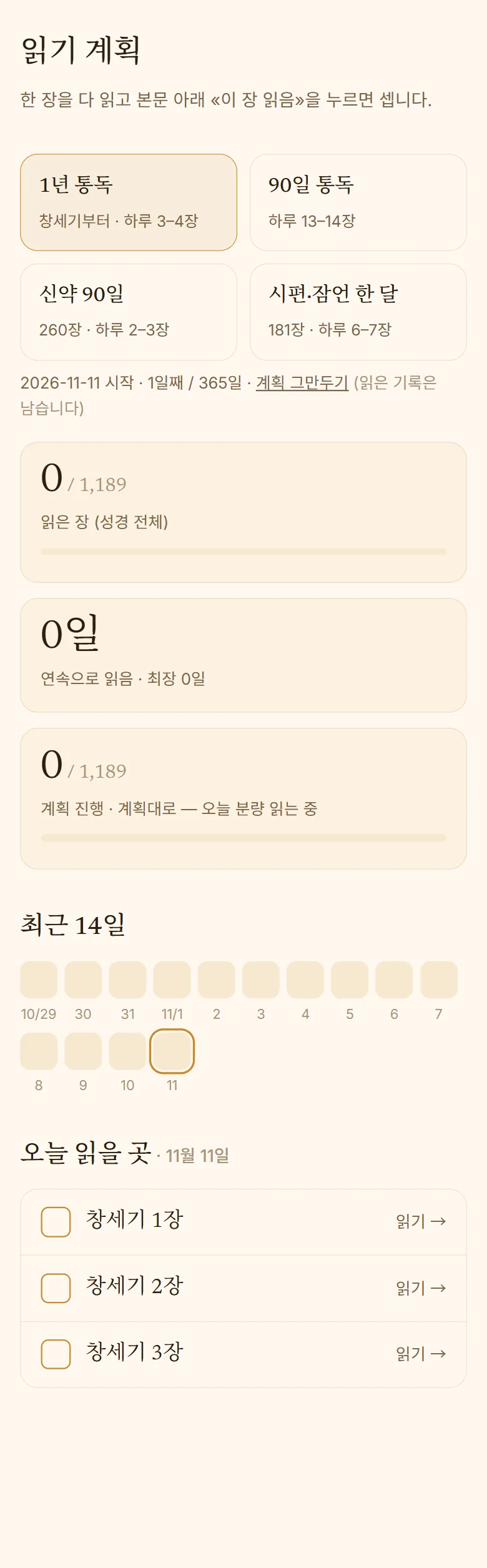
읽기 계획
1년 통독 · 90일 통독 · 신약 90일 · 시편·잠언 한 달 가운데 하나를 고르면 오늘 읽을 곳과 진행률, 연속으로 읽은 날수를 챙겨 드립니다. 다 읽은 장은 «이 장 읽음»으로 표시합니다.
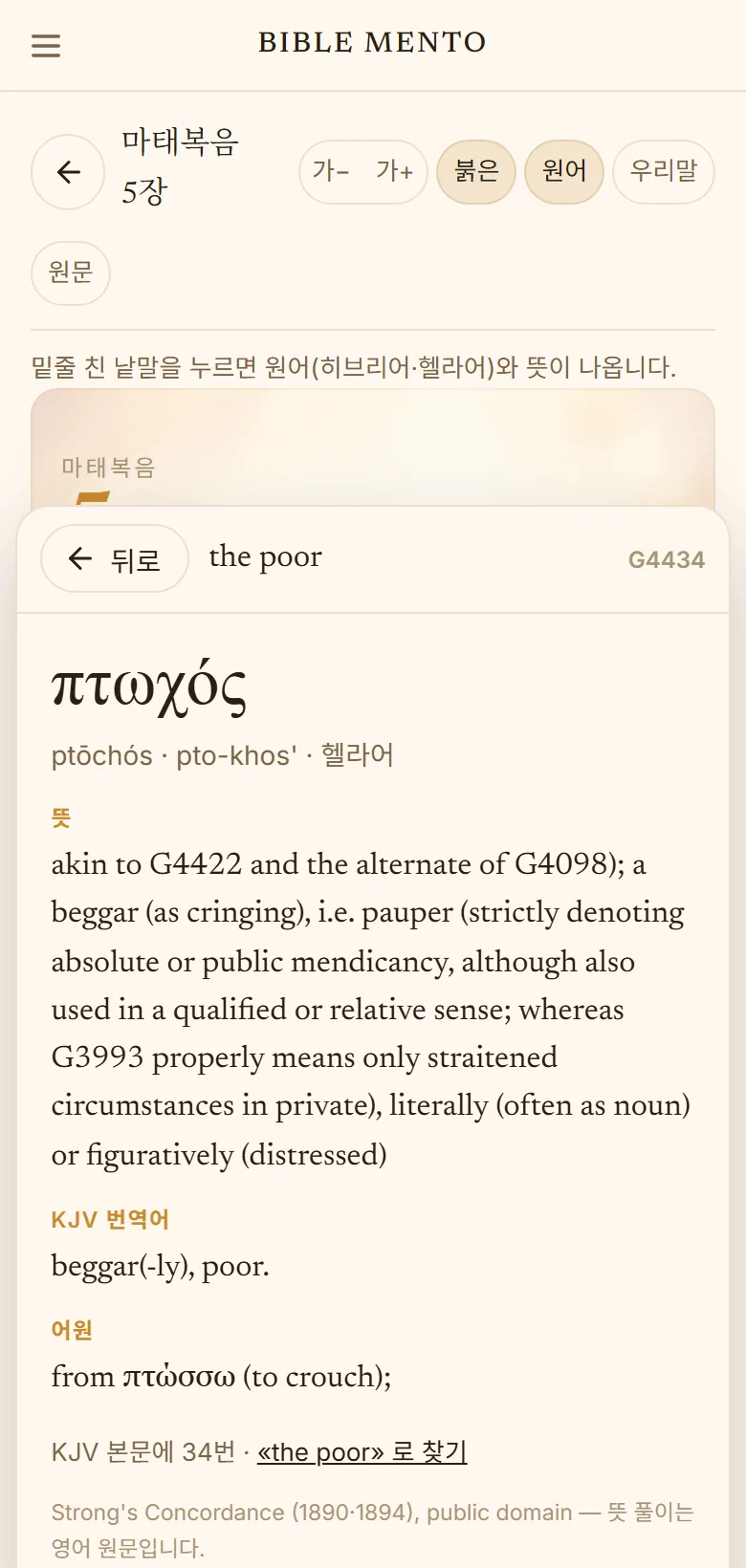
낱말 뒤의 원어
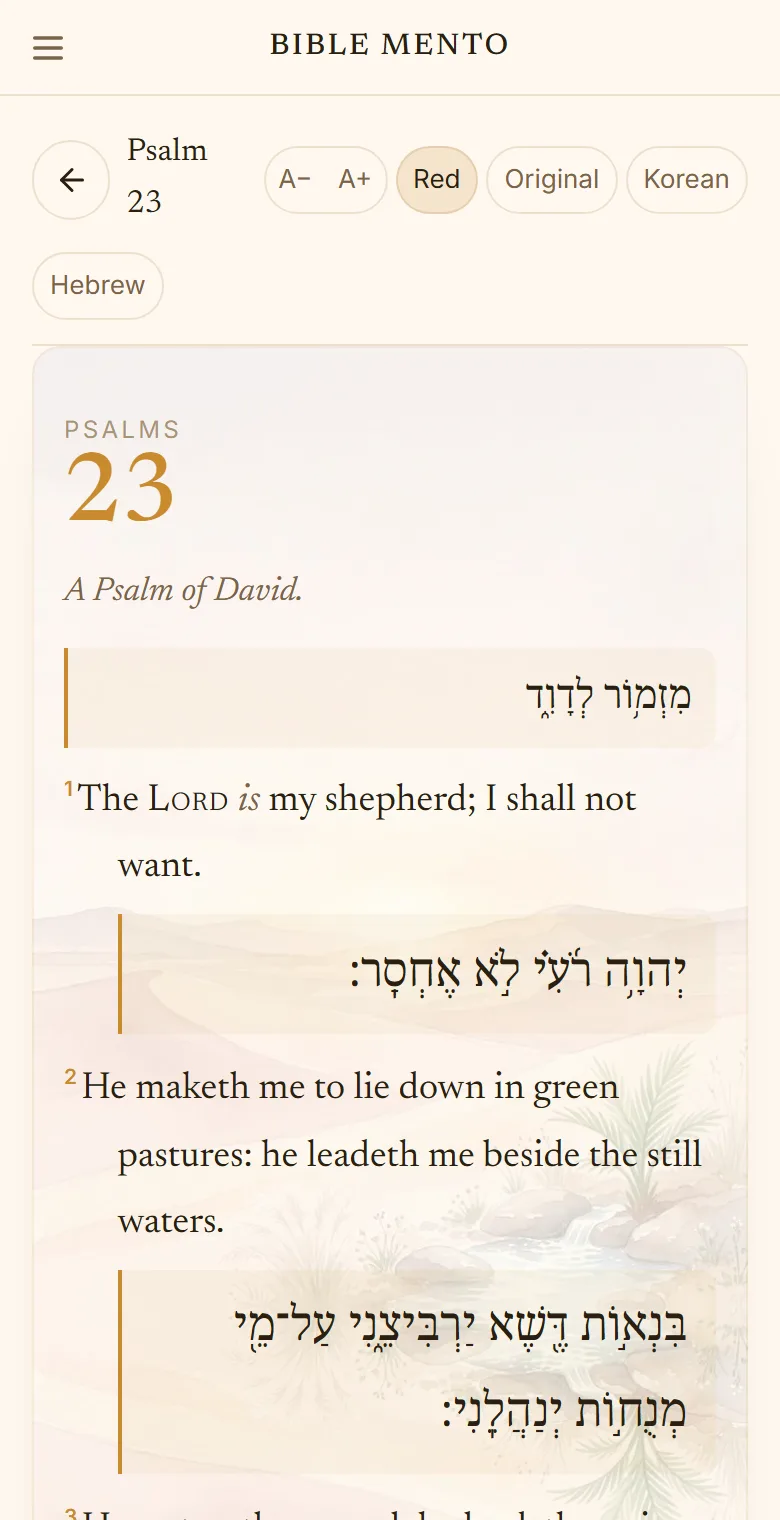
«원어»를 켜고 밑줄 친 낱말을 누르면 그 뒤의 히브리어·헬라어 원어와 발음, 뜻이 펼쳐집니다. 그 낱말이 나오는 다른 절도 바로 찾아갈 수 있습니다.
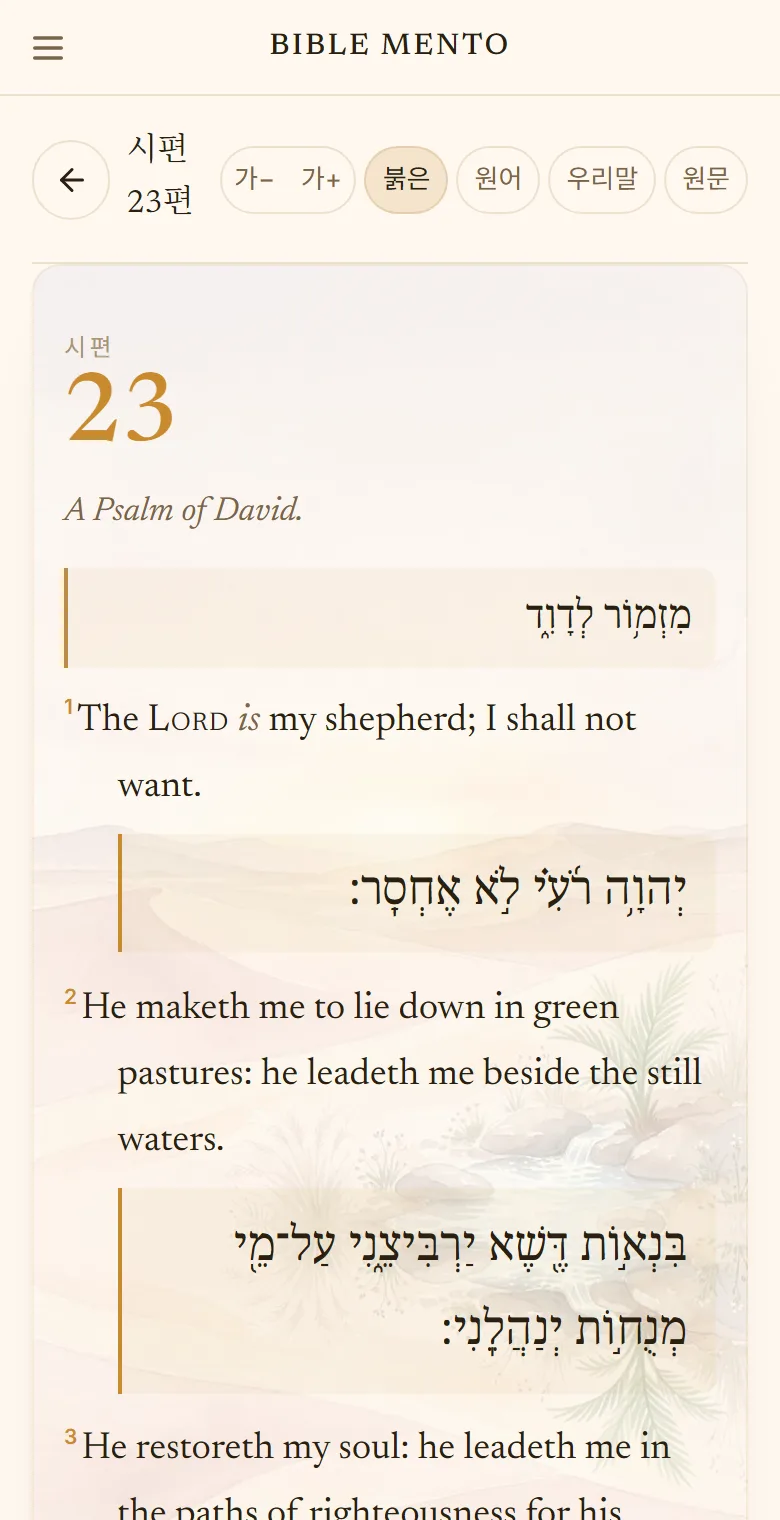
위쪽 «원문»을 켜면 장의 모든 절 아래에, 절을 눌러 «원문»을 고르면 그 절 아래에만 히브리어·헬라어 원문이 펼쳐집니다. 구약은 레닌그라드 사본, 신약은 KJV 신약의 바탕이 된 공인 본문입니다. 원문과 절 번호가 다른 곳은 원문 번호를 함께 보여 드립니다.
구절을 카드로 보내기
읽다가 마음에 닿은 구절을 말씀 카드로 만들어 가족이나 지인에게 보낼 수 있습니다.
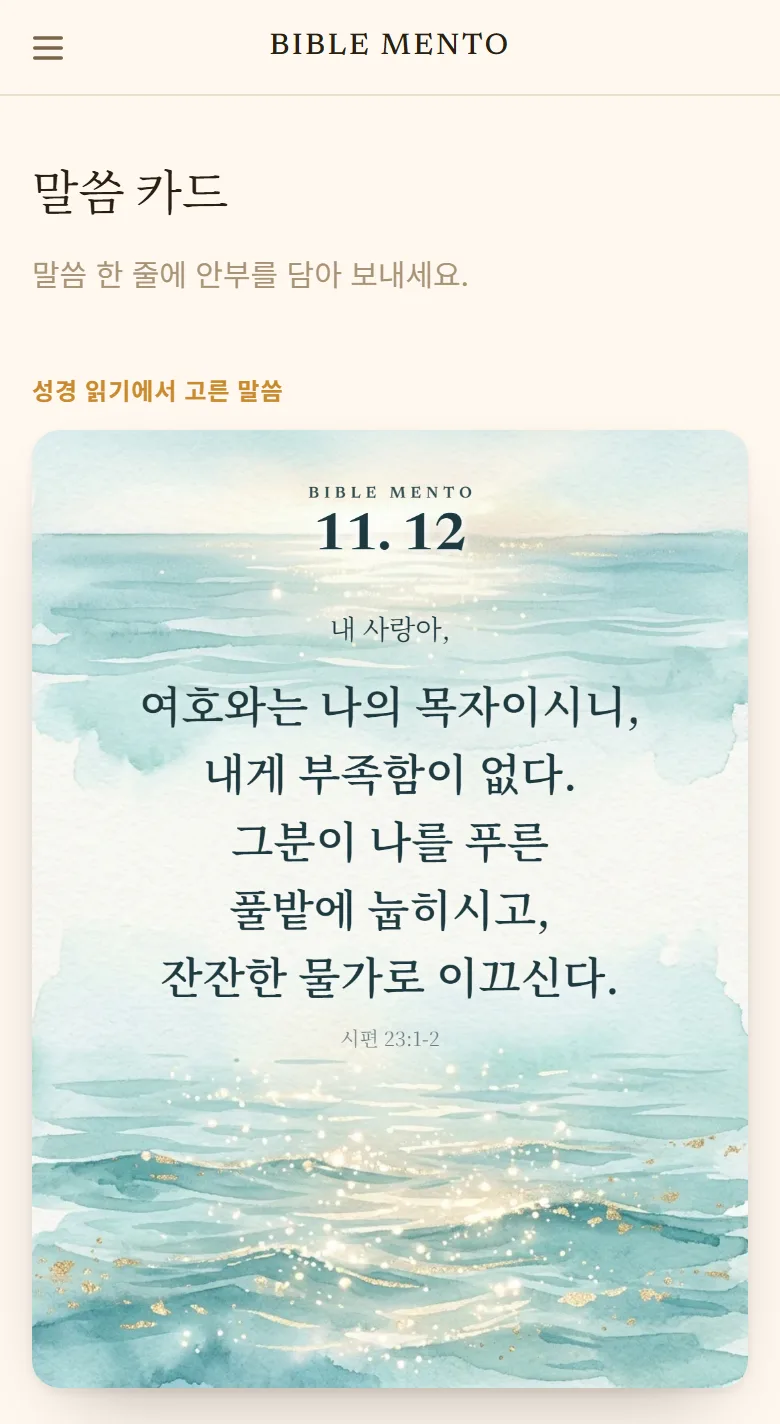
말씀 카드는 구독 회원 기능입니다.
성경 66권, 지금 펼쳐 보세요
표시한 구절과 읽기 계획은 계정에 남아 휴대폰과 컴퓨터 어디서나 이어집니다.
All 66 books, free to read wherever you are
Read the whole Bible — all 66 books of the King James Version — on your phone or computer, with a Korean paraphrase for Korean readers. With an account, it is always free.
As easy as an e-book
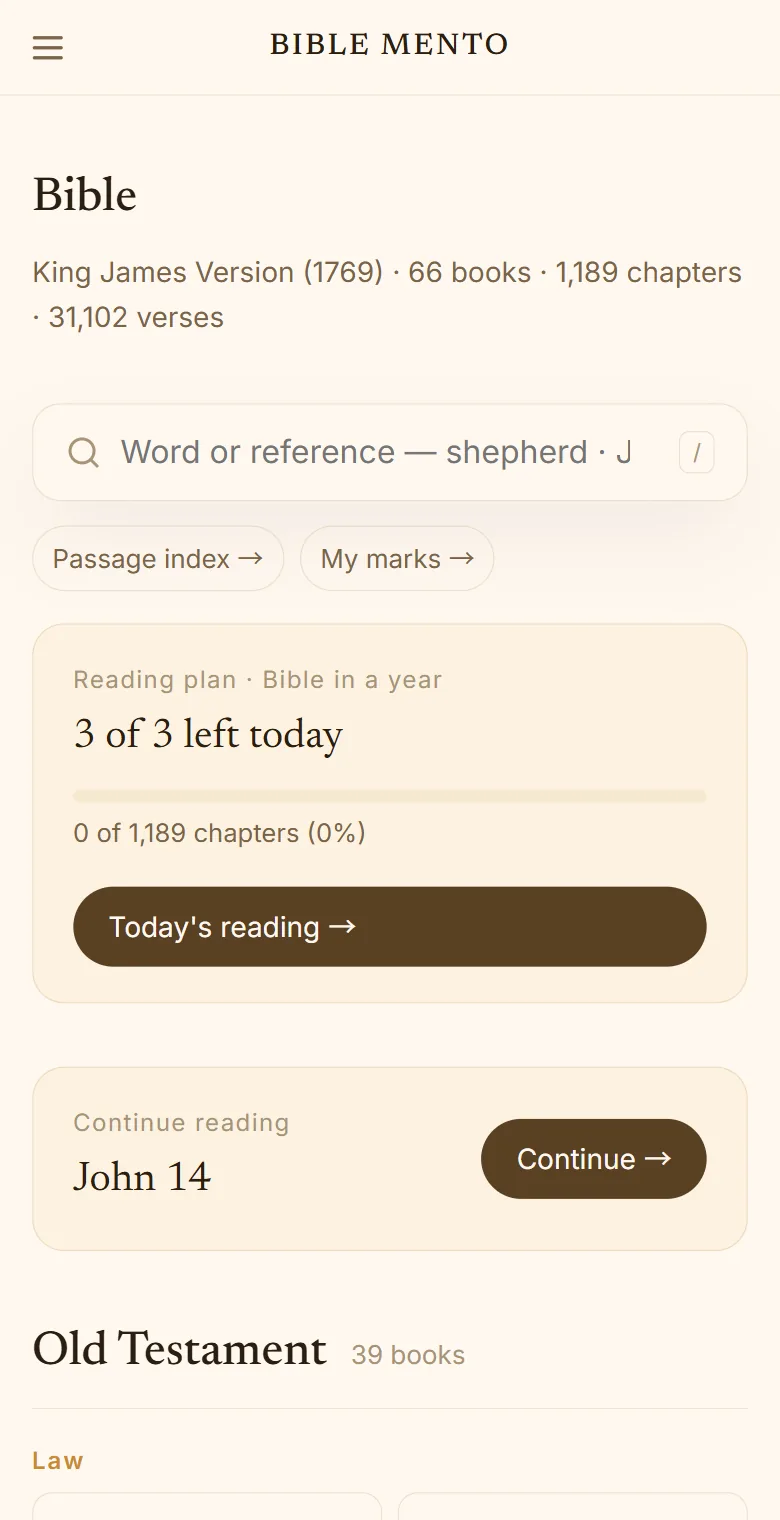
Open any book and chapter straight from the contents, and next time you come back, pick up at the chapter you were reading.
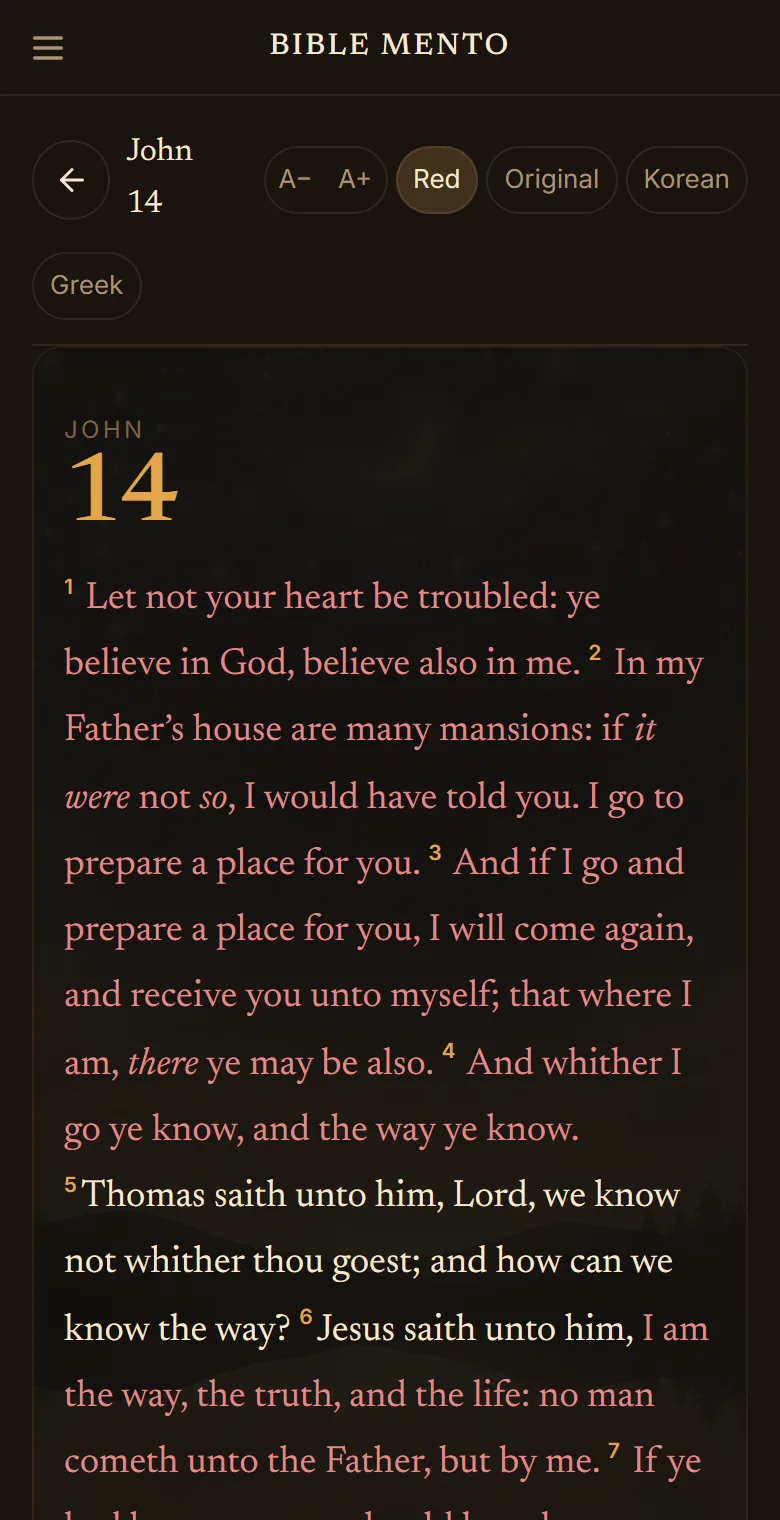
- Five text sizes
- Dark mode
- Turn chapters by swiping on a phone, or with the ← → keys on a computer
- Red letters (the words of Jesus), on or off
The KJV in plain Korean
For Korean readers, “Korean” switches the KJV to a paraphrase in plain modern Korean. The verse numbers stay the same, so you can turn “Korean” off and check any verse in the English text.
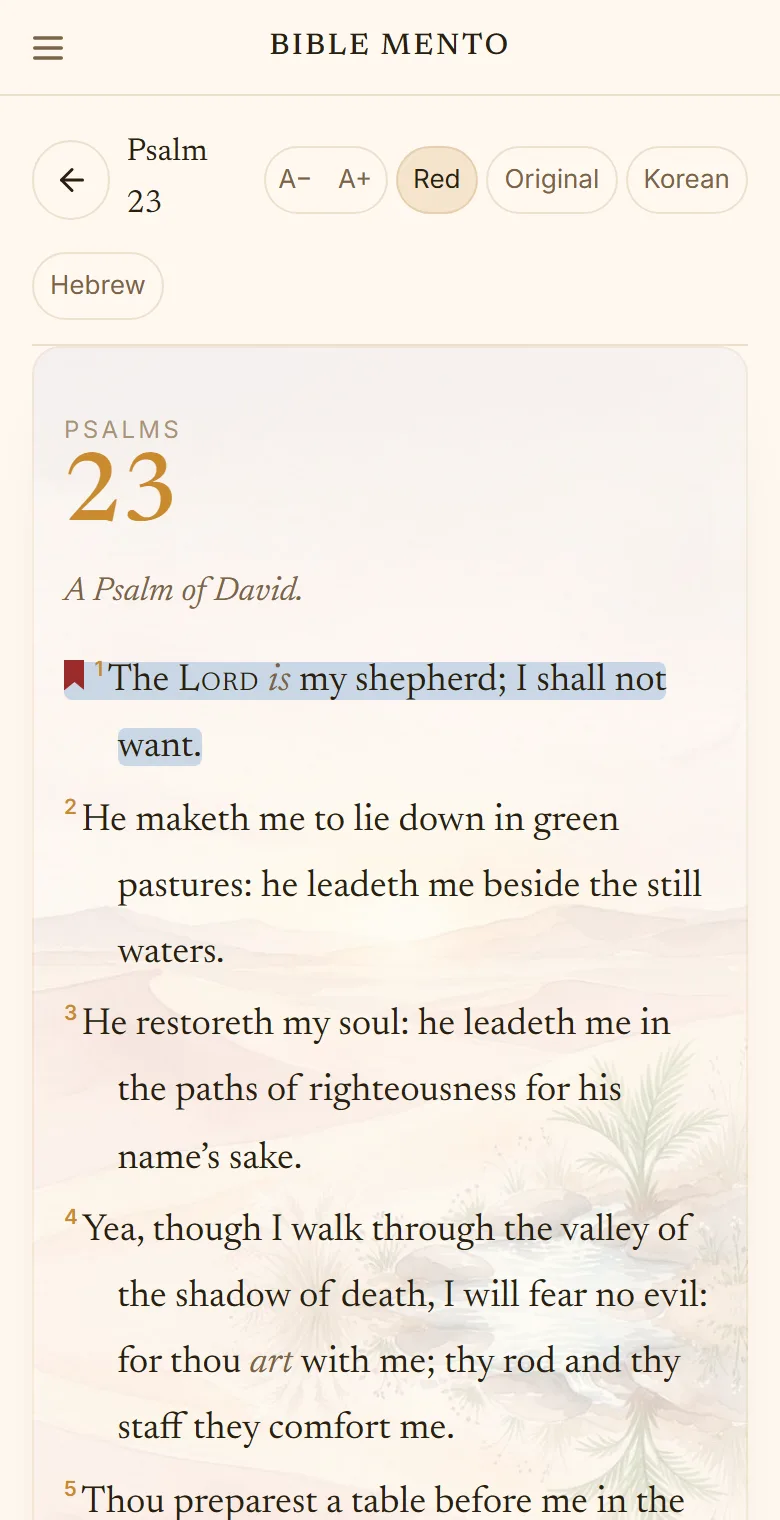
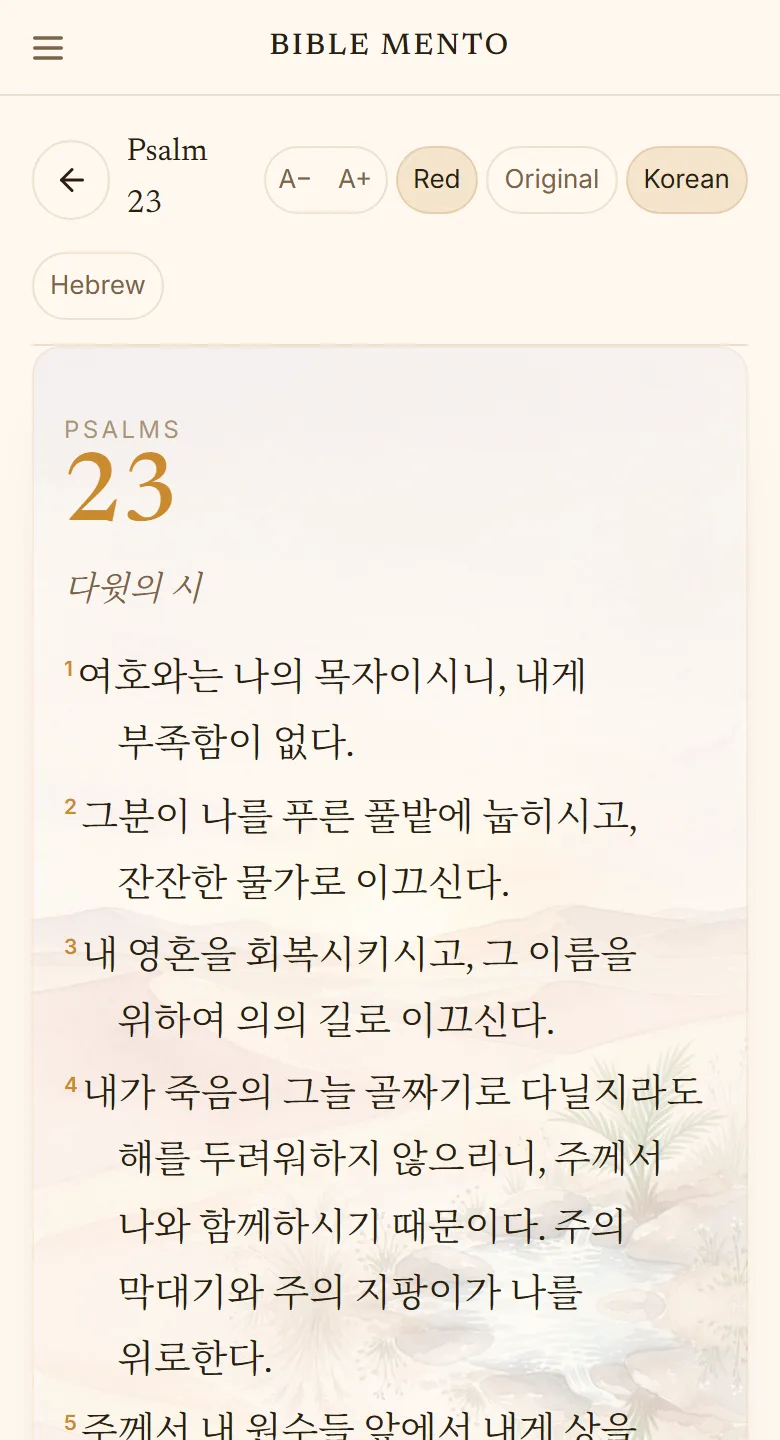
The Korean paraphrase of the KJV is a reference text prepared with the help of AI. It does not replace a Bible translation.
Find it by reference, word or passage name
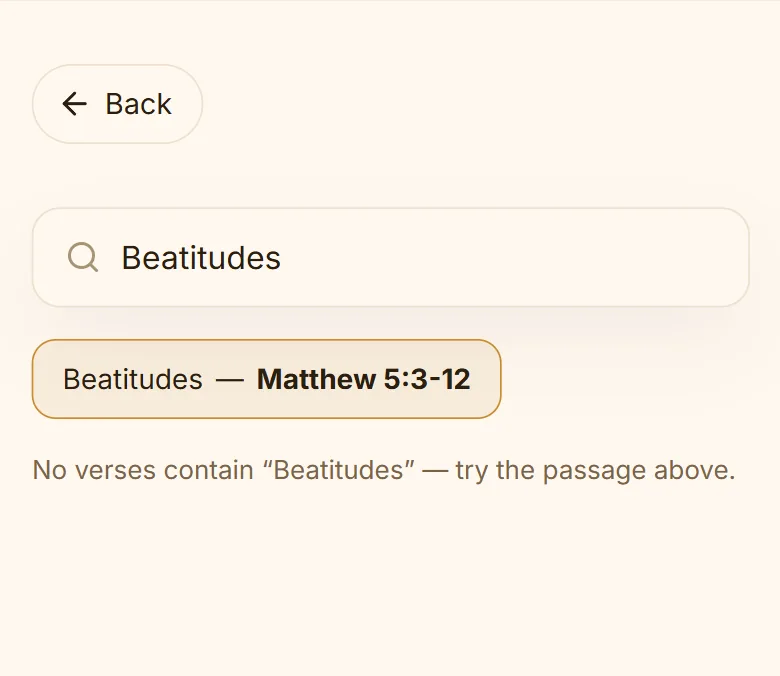
Type a reference such as “John 3:16” or “Psalm 23” to go straight there. You can also search by the name of a passage — “Beatitudes”, “Prodigal Son” — or type a word to see every verse it appears in, grouped by book. Korean words are searched in the Korean paraphrase.
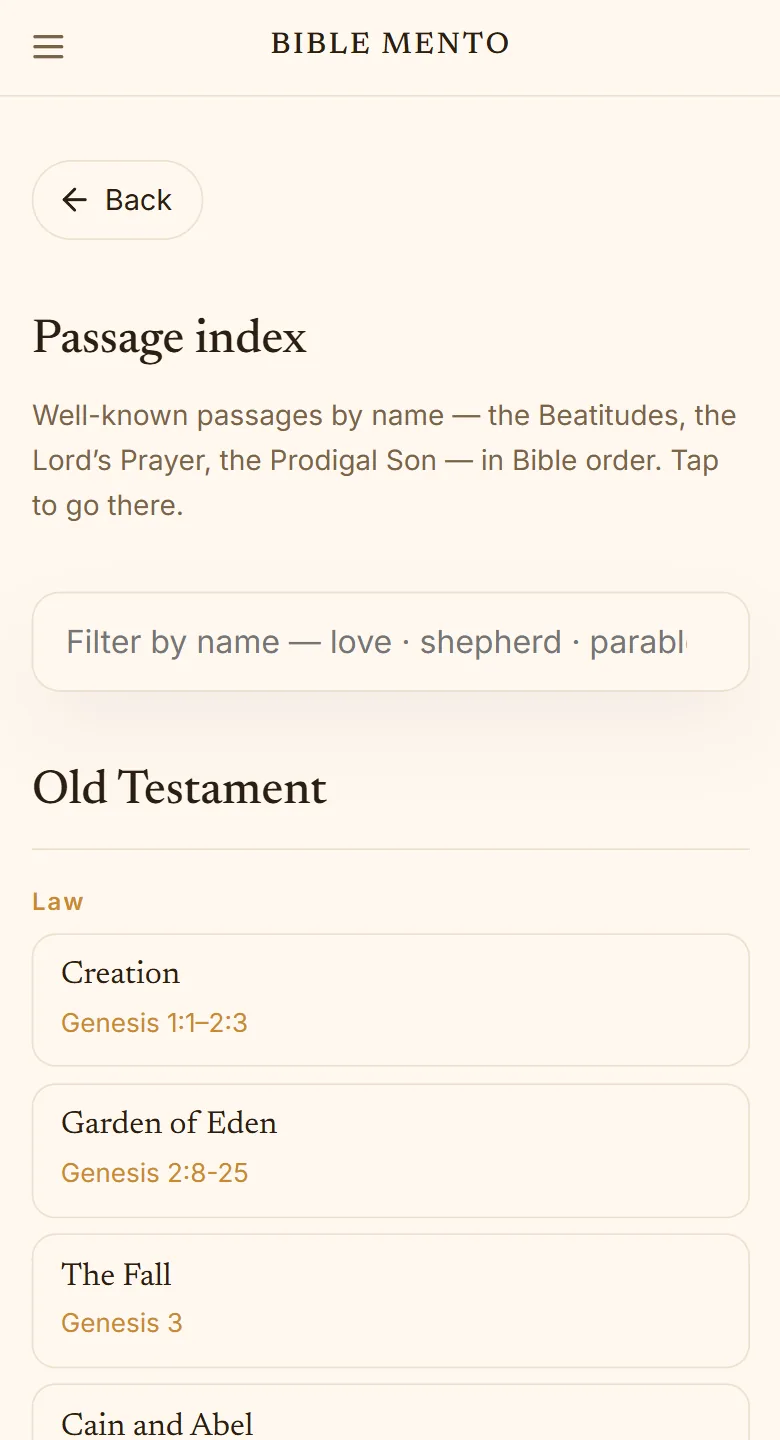
The “Passage index” lists well-known passages in Bible order; tap one to open it.
Mark it, gather it, share it
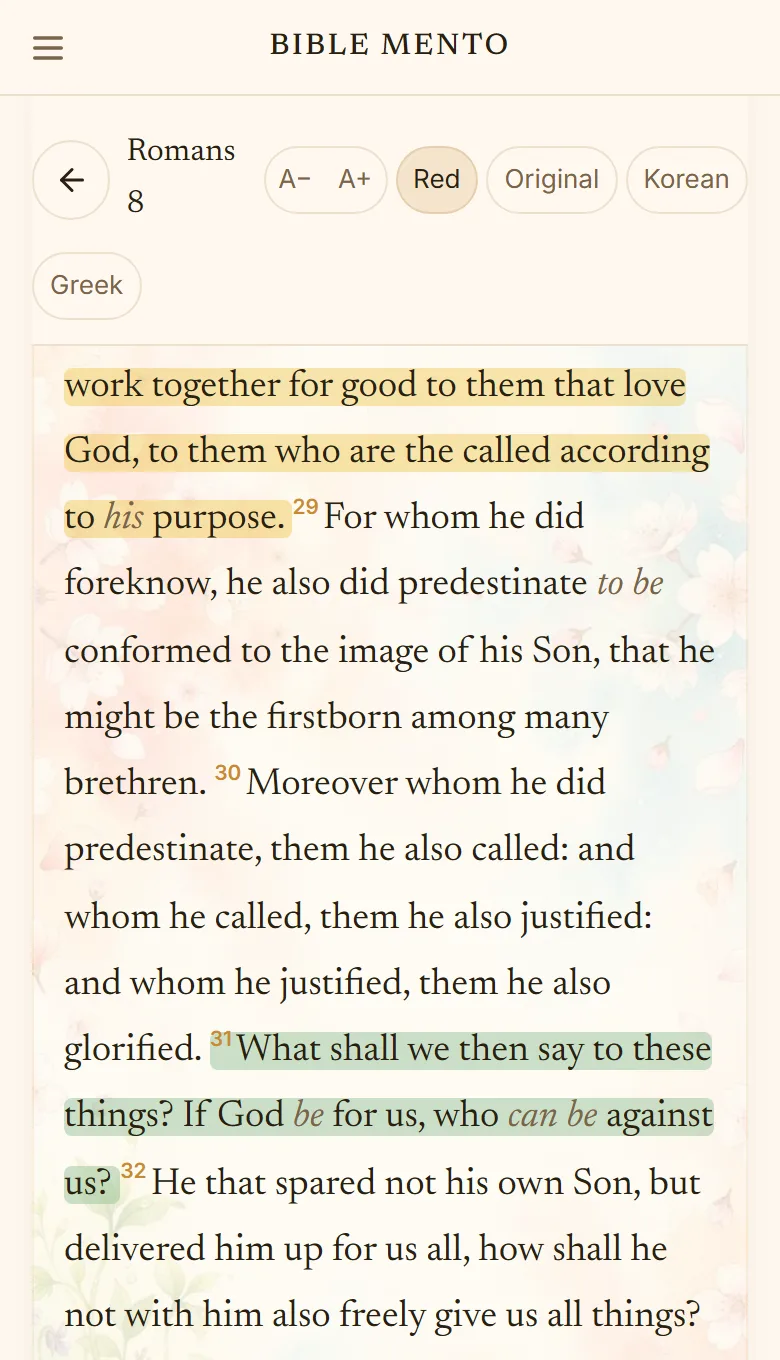
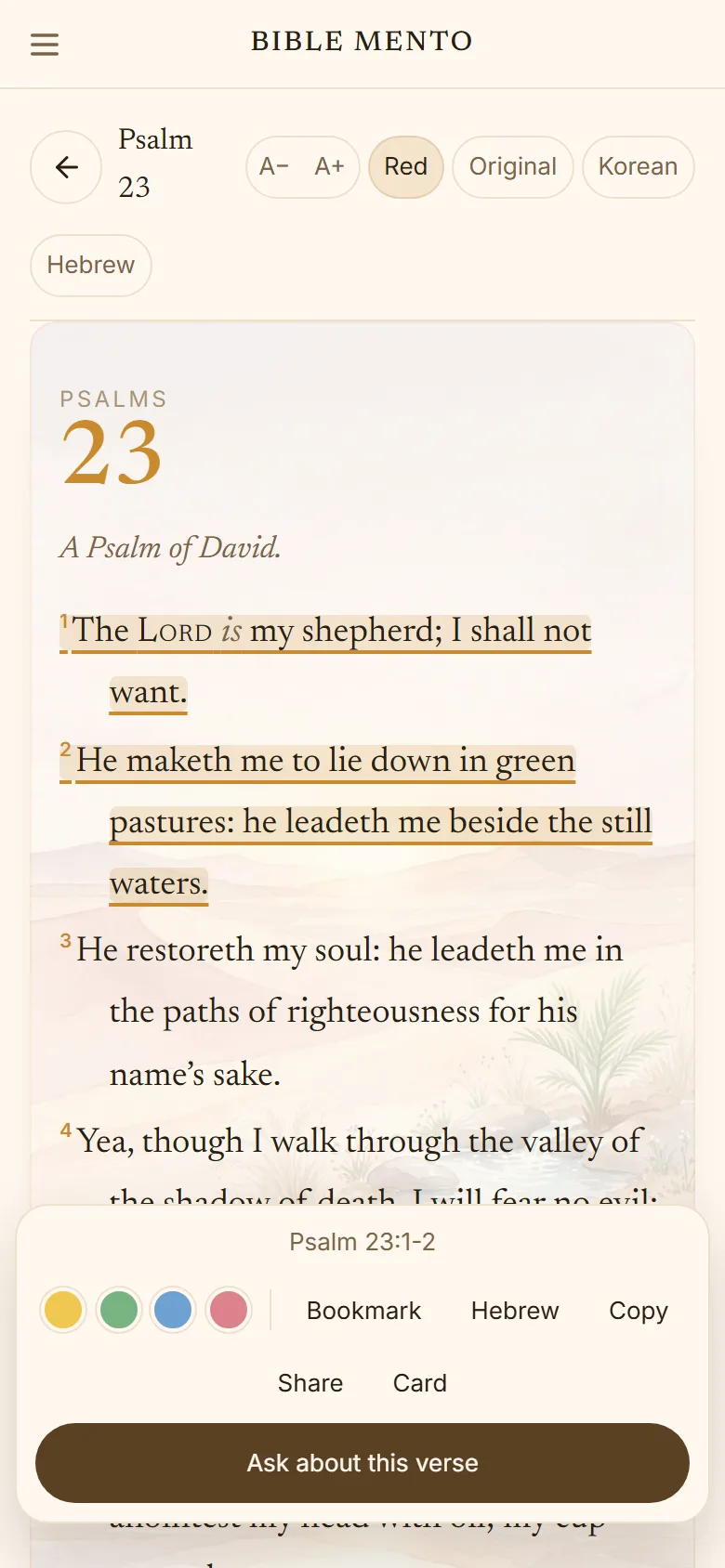
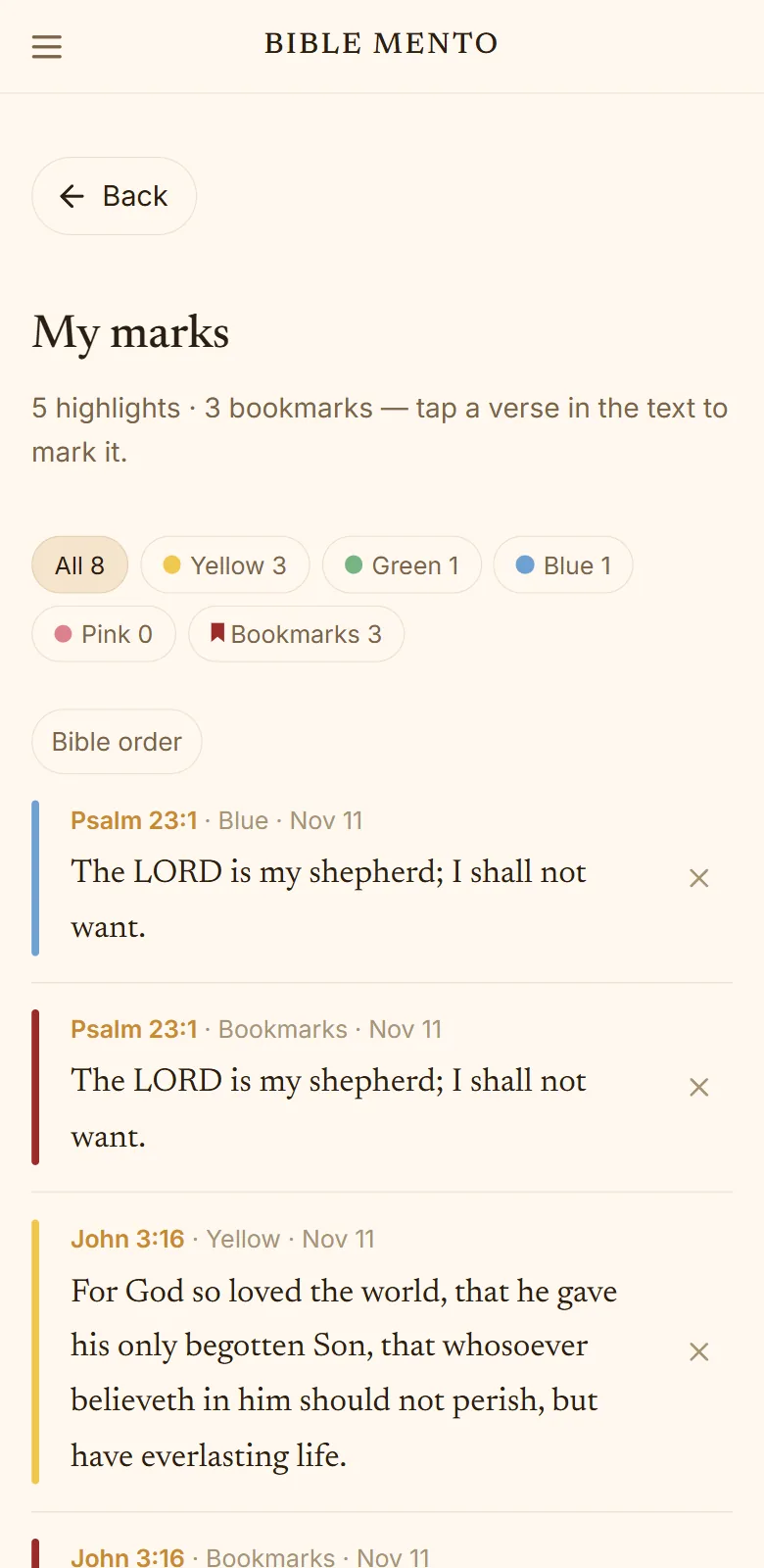
Tap a verse to highlight it in one of four colours or bookmark it; keep tapping to mark several verses at once. Everything you mark is gathered in “My marks”, by colour and bookmark.
When you copy or share a verse, the reference comes with it. And when a verse stays with you, “Ask about this verse” lets you ask about it straight away.
Reading plans
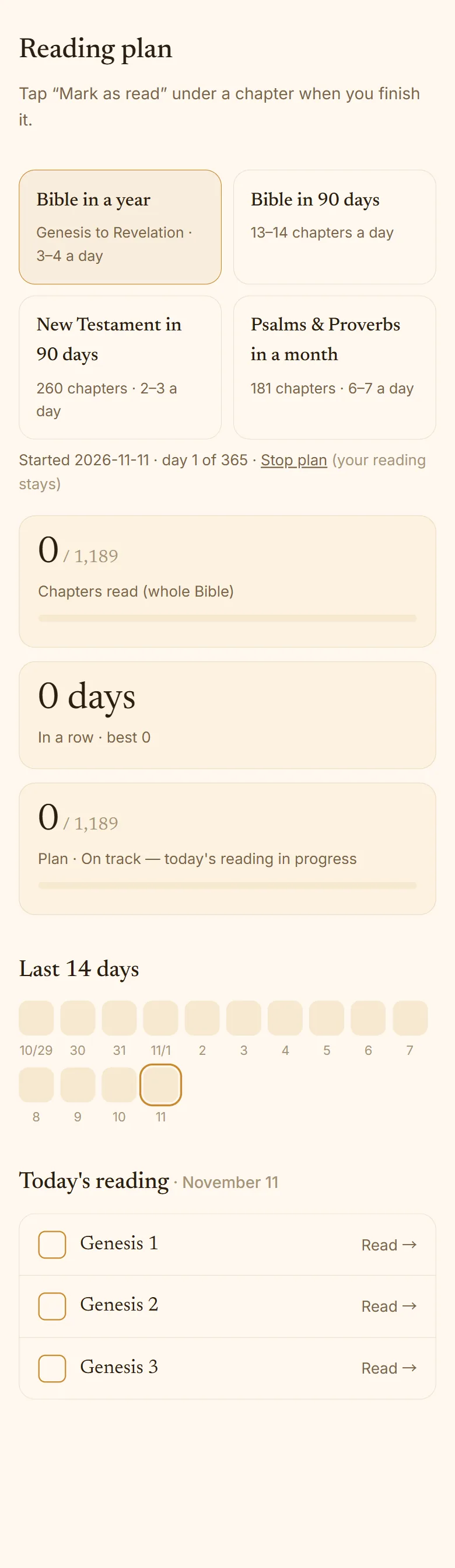
Choose Bible in a year, Bible in 90 days, New Testament in 90 days, or Psalms & Proverbs in a month, and see today’s reading, your progress and how many days in a row you have read. Mark each chapter you finish with “Mark as read”.
The original behind the word
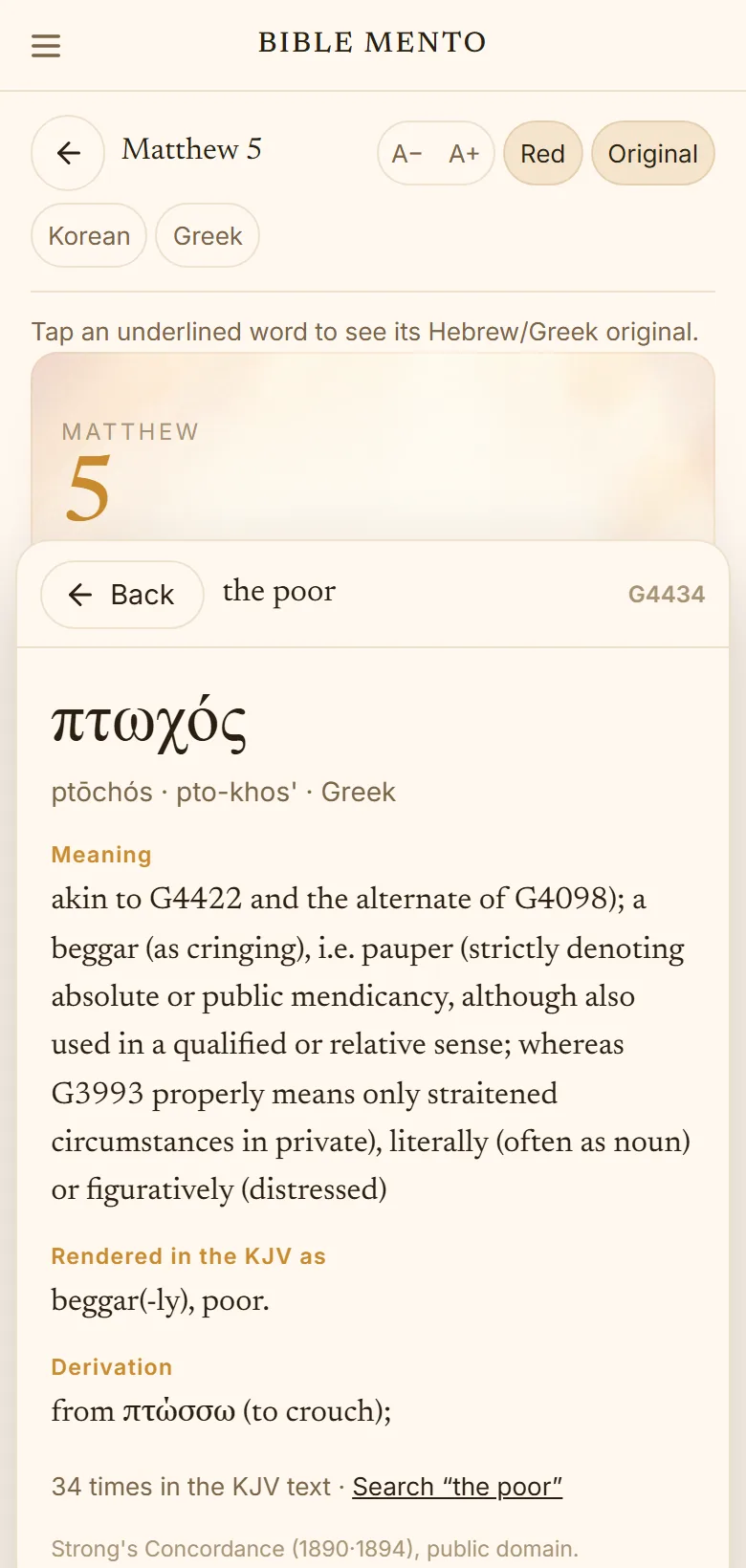
Turn on “Original” and tap an underlined word to see the Hebrew or Greek behind it, with its pronunciation and meaning. From there you can go straight to other verses where the word appears.
Turn on “Hebrew”/“Greek” at the top to show the original under every verse, or tap a verse and choose it from the menu for just that verse — the Leningrad Codex for the Old Testament and the Textus Receptus behind the KJV New Testament. Where the original numbers the verse differently, its number is shown too.
Send a verse as a card
When a verse speaks to you as you read, turn it into a verse card and send it to family or friends.
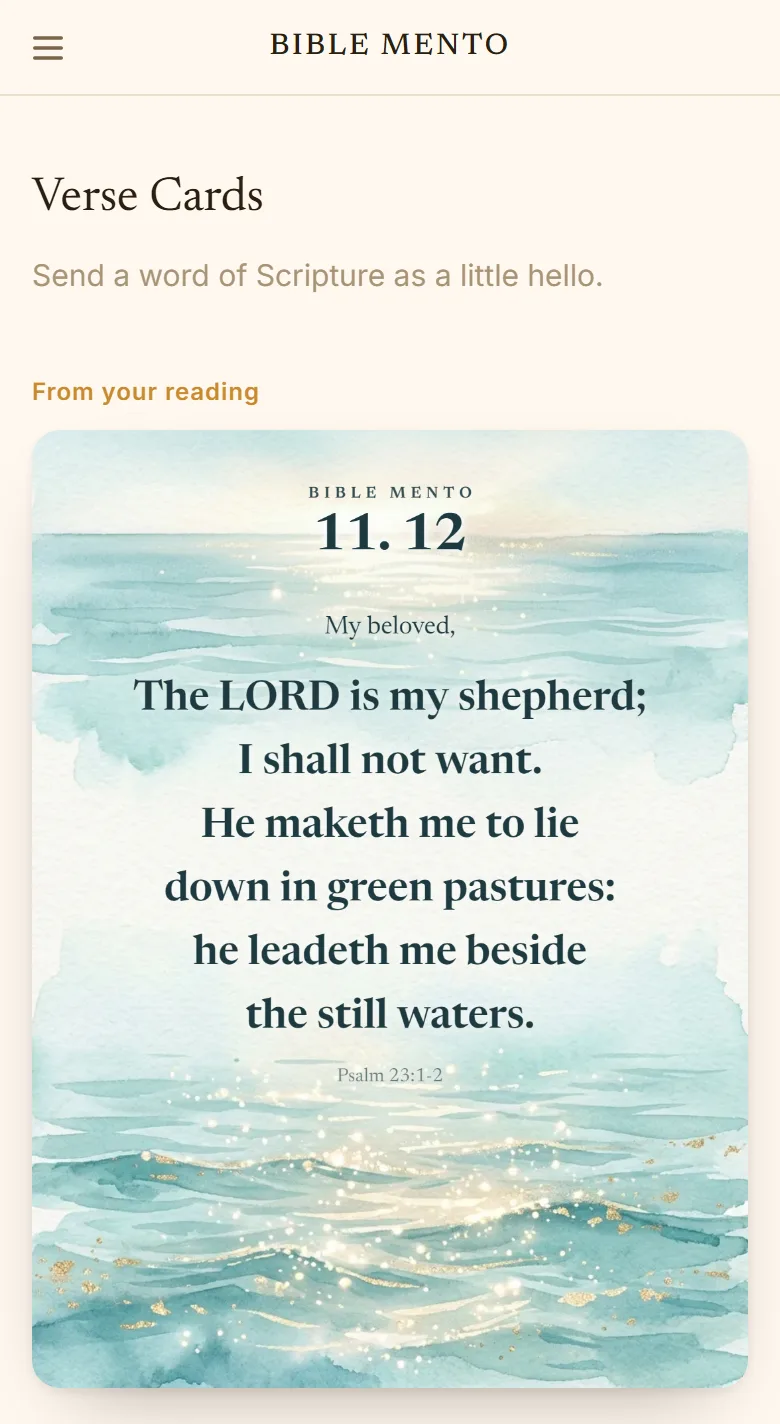
Verse cards are a feature for subscribers.
Open all 66 books now
Your marked verses and reading plan stay with your account, so you can carry on from your phone or your computer.
Ask · Devotional · Master's Voice · Answer Styles · Verse Cards · Languages